Student Guide
Your first 15 minutes as a student
From assigned material to a study loop that brings the right concept back at the right time.
The 15-minute path
- Sign up and sign in.
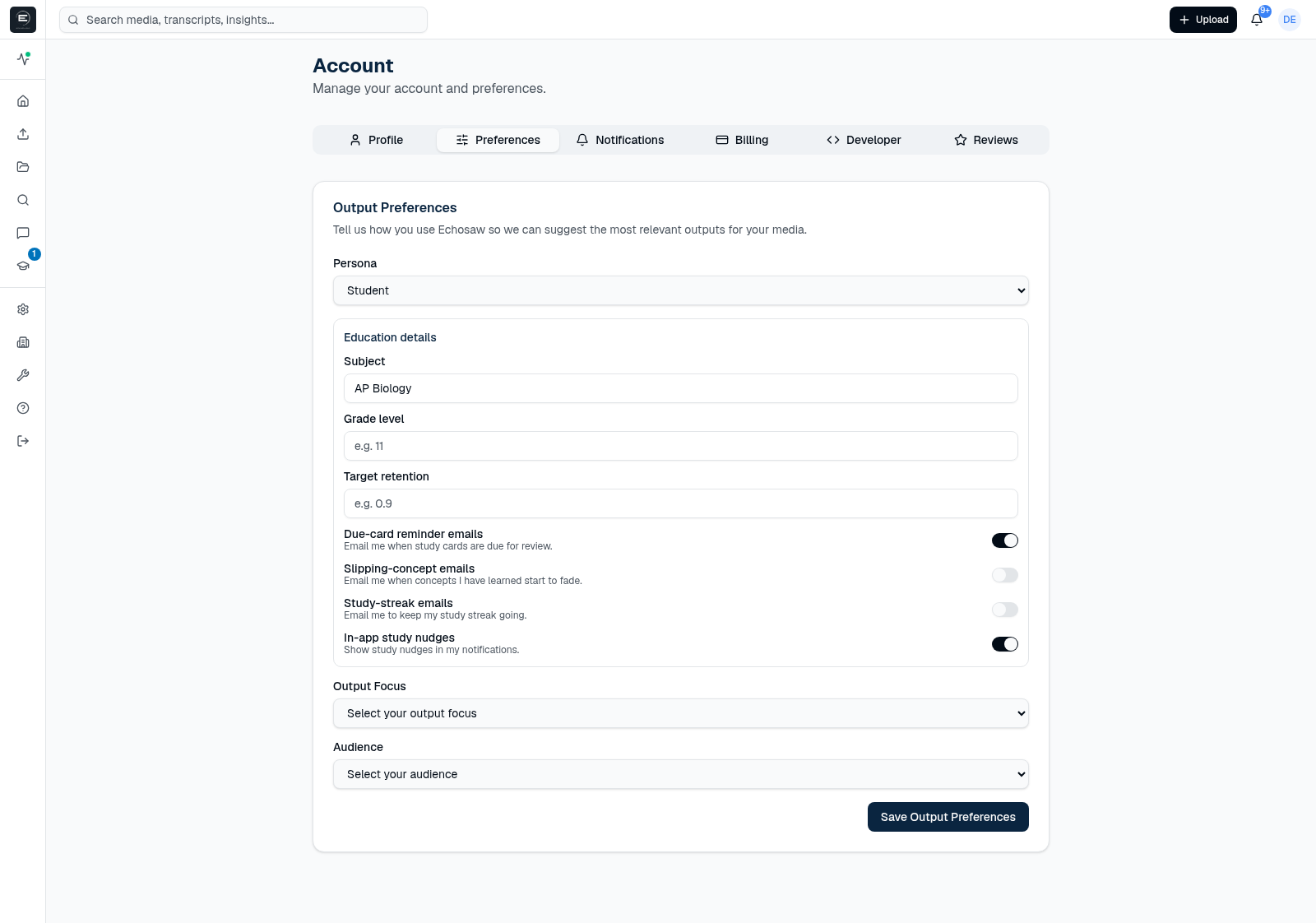
- Set your Persona to Student. Open Account → Output Preferences → Persona and choose Student. This is the step people miss: your Study Desk is gated on your Persona.
- Find where Study appears. Once your Persona is Student, a Studyitem appears in the left sidebar (with a “due today” badge) and opens your Study Desk. If you don't see it, re-check the Persona step — no Persona means no study tools show at all.
- Open your first packet. Anything your teacher assigned shows up as an Assigned study packet; anything you analyze yourself gets its own packet too.
- Study, then come back to Daily Review. Grade a few concepts and Echosaw schedules them to return right before you would forget them.
Setting your Persona
Persona lives in Account → Output Preferences. Choosing Student unlocks the Study Desk and the “due today” badge in the sidebar. You can change it at any time.
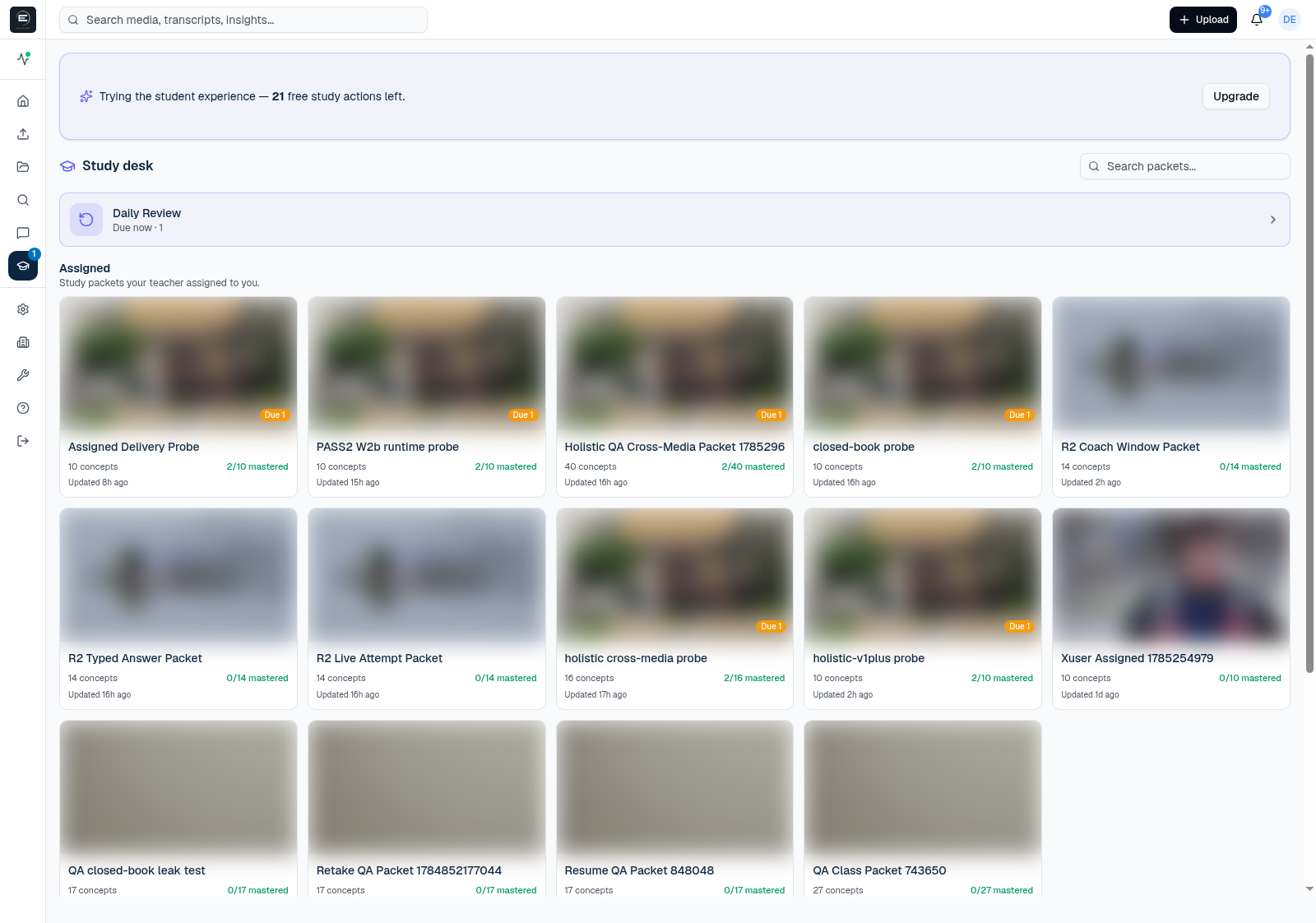
Your Study Desk
The Study Desk lists your packets and a Daily Review card. Each shows how many concepts are due. Assigned packets come from your teacher; personal packets come from media you analyze yourself.
Recipe — study assigned work
- Open an Assigned packet from your Study Desk.
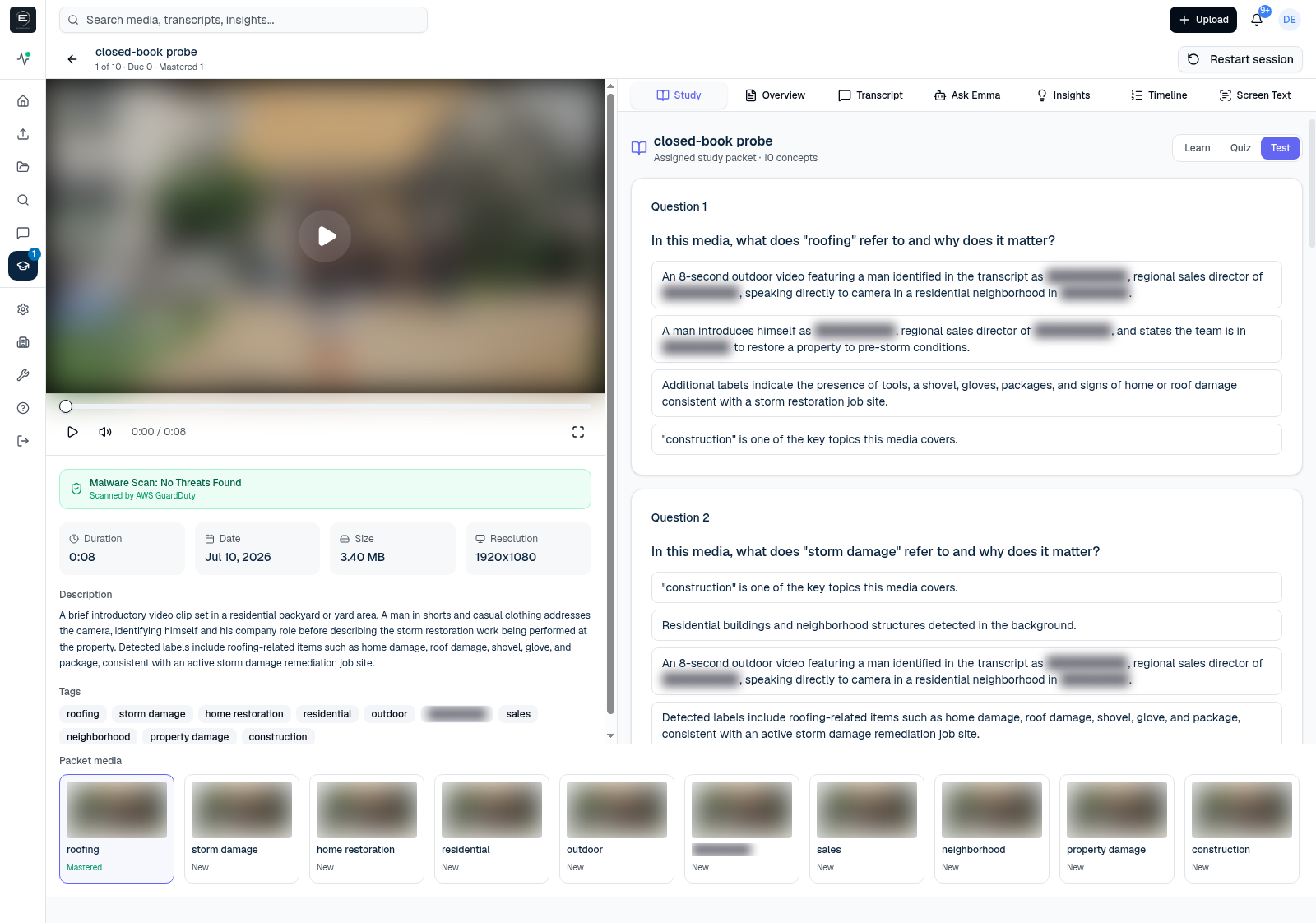
- Use Learn for first exposure, then Quiz for low-stakes practice. Quiz never sets an official grade.
- Grade yourself honestly — that is what tunes your schedule.
Recipe — study for the test
- Run Learn and Quiz over the packet.
- Come back to Daily Review each day — it collects every concept due across all your packets and is the fastest way to be ready.
- If you're stuck on something, switch the Emma panel from Ask to Coach for a short guided review of your weakest concepts, one at a time.
Recipe — take a test
- A Test appears on a packet only when your teacher turns it on. It is the score of record.
- It may be closed-book (answers, transcripts, and Emma are hidden until you submit), timed, and attempt-limited.
- If a typed answer needs your teacher to grade it, you'll see pending teacher review — that is not a zero.
- If the timer runs out you can still submit; your teacher sees it was late. If attempts remain after you submit, a retake option appears.
Keep going
Teachers can see what running a class looks like in the Teacher Guide. For plans and what studying and teaching include, see Pricing, and how student data is handled in the Education Data Notice.